All articles
Create and log custom activities
Please note that this is a premium feature. To create a custom activity:
- Tap on your child o the main screen
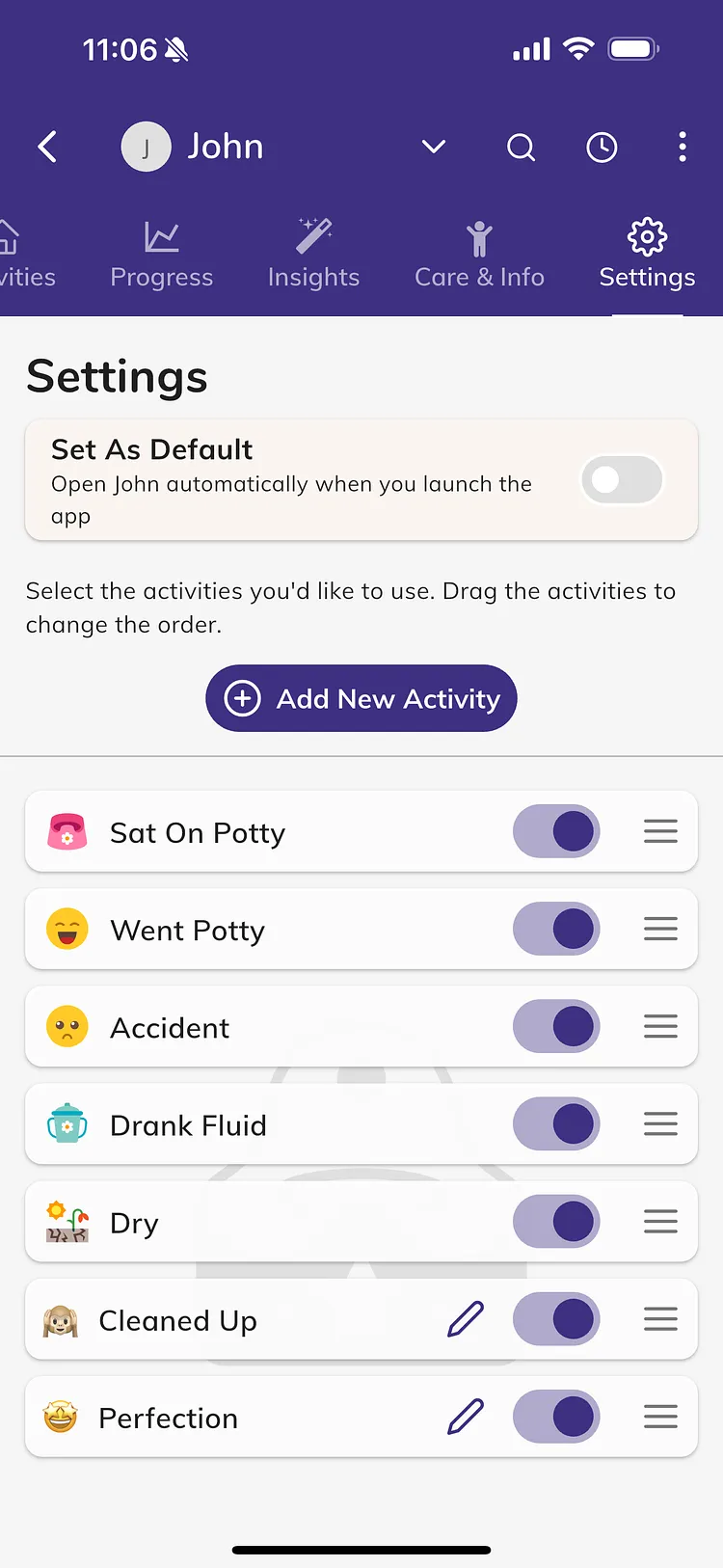
- Scroll to "Settings" in the top tab list
- Tap "Add New Activity"
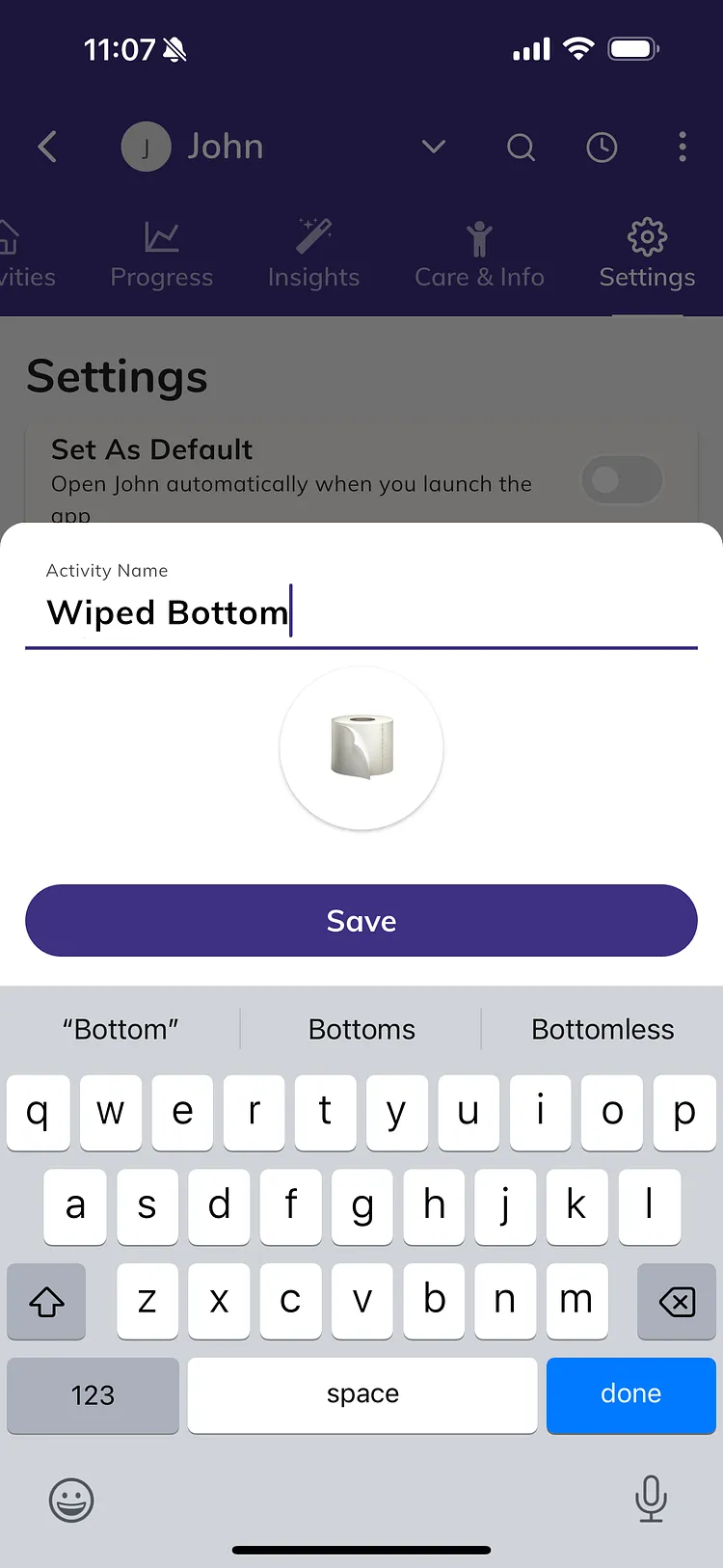
- Create your activity, select an emoji and save
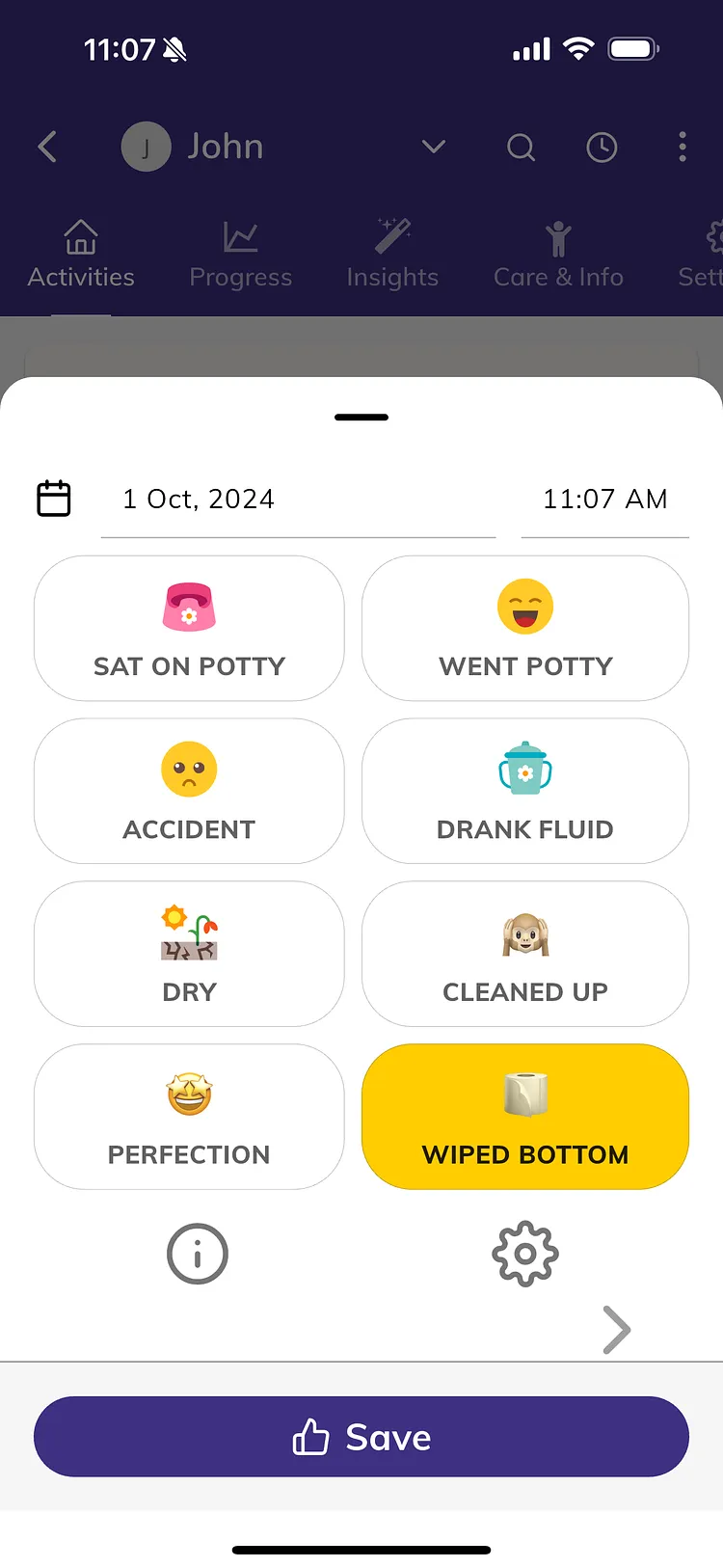
- You can prioritize your new activity in the list of activities by dragging it to the desired position