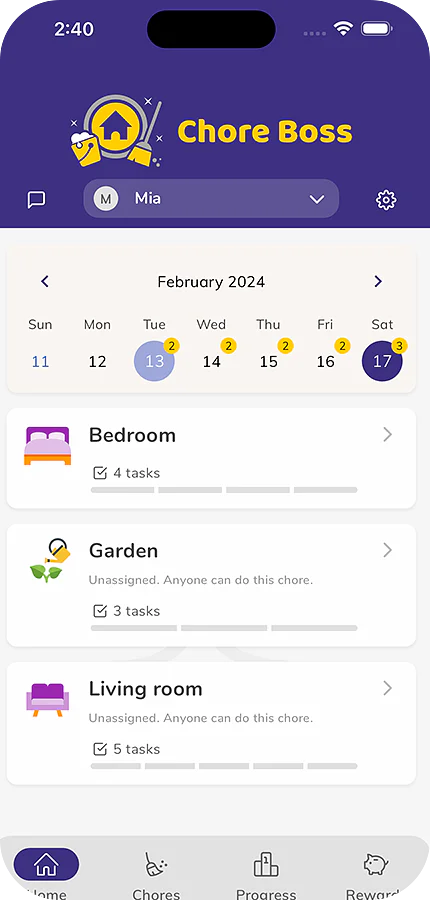
 Chore Boss
Tick off chores from your Home Screen
Chore Boss widgets show today's chores, streaks and balances without opening the app, and on iPhone you can ask Siri what's left.
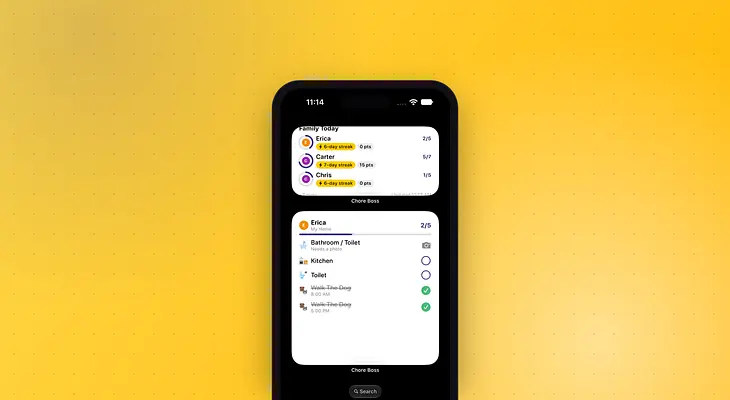
The question of the evening is always the same: what's still left to do today? Now the answer can live on your Home Screen.
Today's Chores shows one person's chores for today, with a circle next to each one. Tap it and the chore is marked done, reward and all, just like ticking it off in the app. My Progress shows a ring that fills as the day's chores get done, with the streak and the balance, and on iPhone it fits on your Lock Screen too. Family Today shows everyone at once, so you can see who still has chores left.
On iPhone, you can ask Siri. Say "What chores are left in Chore Boss", "Mark a chore done in Chore Boss" or "How much has Mia earned in Chore Boss". If your iPhone is locked, Siri asks you to unlock it first, since the answers are about your family.
The widgets and Siri are part of Chore Boss Premium, and need iOS 18 or later on iPhone. Touch and hold the Chore Boss icon for a shortcut to anyone's chores for today, free on iPhone and Android.
See How to use Chore Boss widgets and Siri for the steps.