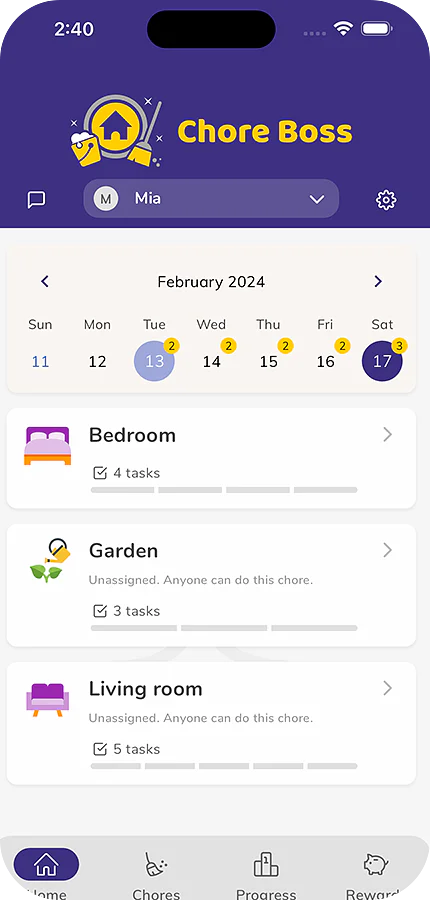
 Chore Boss
Ask the Assistant about your family's chores
The Chore Boss Assistant answers questions about your family's chores, balances and points, and can add or change chores for you when you ask.
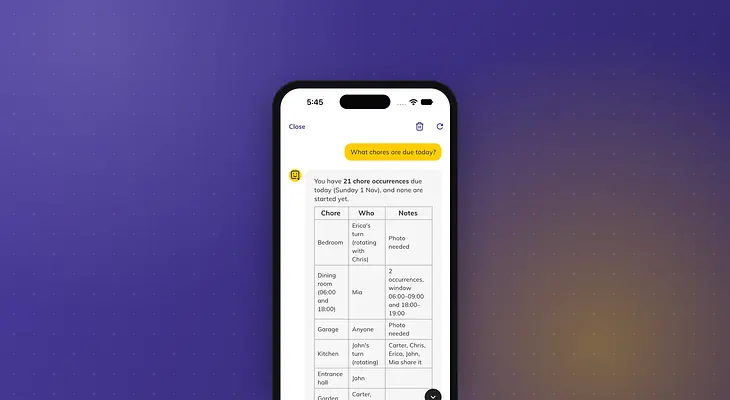
Who emptied the dishwasher this week? Is anything overdue? How many points does Emma have now? Instead of tapping through tabs to find out, you can just ask.
Tap the round Assistant button in the bottom-right corner of the Home, Chores, Progress or Rewards tab. Ask what's due today or tomorrow, what's overdue, what was completed this week and by whom, whose turn it is on a rotating chore, or how much everyone has earned. It also answers how-to questions from our help articles, and shares tips for getting kids to help without nagging. If your hands are full, tap the microphone to Dictate your message.
It can make changes for you too. Ask it to add a chore for Jack to feed the dog every morning, give someone bonus points or pay out a balance, and it shows a card with exactly what it will do. Nothing changes until you tap Confirm.
On a kid's profile, the Assistant answers their questions and can mark their own tasks done, but it cannot change chores, rewards or settings.
The Assistant is part of Chore Boss Premium, on iPhone and Android. Without Premium, tap the button to see a sample conversation. See How to use the Chore Boss Assistant for everything it can do.